

Website Optimization for Business Growth
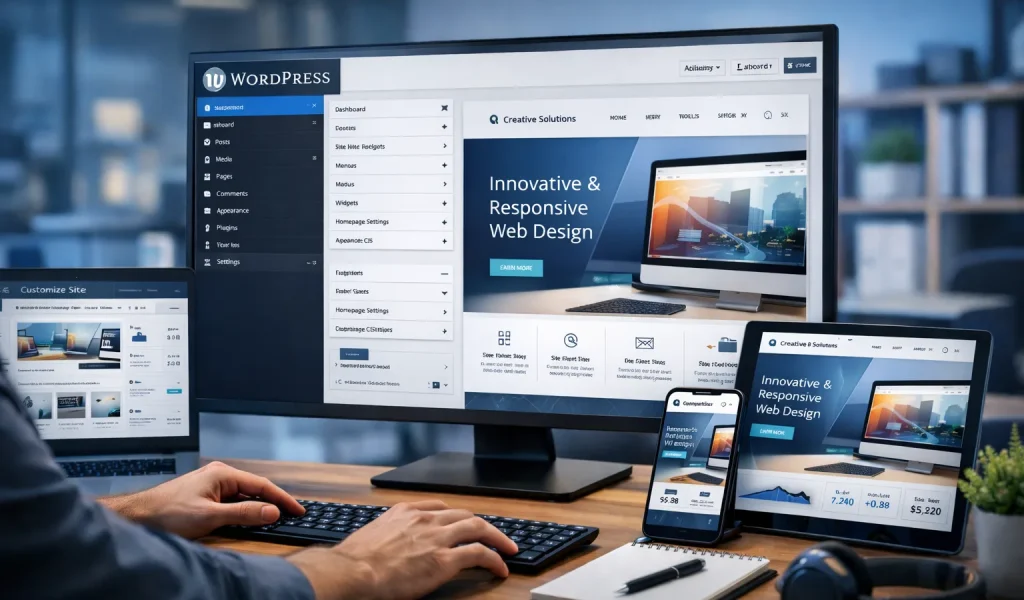
In today’s digital world, every business needs a strong online presence. A website is not just a digital brochure — it’s your most powerful tool to generate leads, build trust, and grow your business.
If you’re wondering how to build a WordPress website for business, you’re in the right place.
WordPress powers over 40% of websites globally, making it the most popular platform for business websites due to its flexibility, affordability, and SEO-friendly structure.
In this guide, we’ll walk you through a simple, step-by-step process to build a professional WordPress website — even if you are a beginner.
Before we dive into the steps, let’s understand why WordPress is the best choice.
Key Benefits of WordPress:
| Feature | Benefit |
|---|---|
| Easy to use | No coding required |
| SEO-friendly | Helps rank on Google |
| Flexible design | Thousands of themes |
| Scalable | Grows with your business |
| Cost-effective | Affordable for startups |
That’s why most businesses prefer WordPress website development.
Your domain name is your website address (e.g., yourbusiness.com).
Tips:
Example: vertextechlab.com
Hosting is where your website lives online.
Popular Hosting Providers:
Choose a plan with:
Most hosting providers offer one-click WordPress installation.
Steps:
Done in 5 minutes
Your theme controls your website design.
What to look for:
Recommended:
Plugins add functionality to your website.
Must-Have Plugins:
| Plugin | Purpose |
|---|---|
| Rank Math | SEO optimization |
| Elementor | Page builder |
| WP Rocket | Speed optimization |
| WPForms | Contact forms |
Every business website must have these pages:
Essential Pages:
These pages build trust and improve SEO.
Now design your pages using a builder like Elementor.
Focus on:
SEO helps your website rank on Google.
Basic SEO Setup:
This is critical for WordPress website development success.
Speed affects both SEO and user experience.
Tips:
More than 70% users come from mobile.
Ensure:
Cost Breakdown:
| Item | Cost Range |
|---|---|
| Domain | ₹500–₹1,000/year |
| Hosting | ₹2,000–₹5,000/year |
| Theme | Free – ₹5,000 |
| Development | ₹10,000–₹50,000 |
You can start small and scale later.
| Factor | DIY | Professional |
|---|---|---|
| Cost | Low | Higher |
| Time | More | Less |
| Quality | Basic | High |
| SEO | Limited | Optimized |
For serious business growth → professional service is better
At Vertex Tech Lab, we specialize in WordPress website development for businesses.
Our Services:
We don’t just build websites — we build growth systems.
Building a WordPress website for your business is one of the best investments you can make.
By following this guide, you can create a website that:
If you want faster and better results, working with experts can save time and deliver higher ROI.
How useful was this post?
Click on a star to rate it!
Average rating 0 / 5. Vote count: 0
No votes so far! Be the first to rate this post.